icomoon图标
周末研究布局,遇到了获取图标的问题。在之前遇到图标第一时间想到的是切图,在页面放图片。在慕课网看了关于性能优化的雅虎军规之后发现这样很不好。遂翻了翻大厂们的页面,使用的都是字体图标(大家都知道,字体图标相比图片省了太多资源大大减少请求数量不说,任意缩放也不会失真。)搜索了一下发现了icomoon这个好东西。
使用icomoon借用的是一个在线生成网站:
https://icomoon.io/app/#/select
里面有已经存在的可以直接选用,当然也可以添加.svg图片。
在这里,我使用了它现有的一个搜索放大镜小图标。
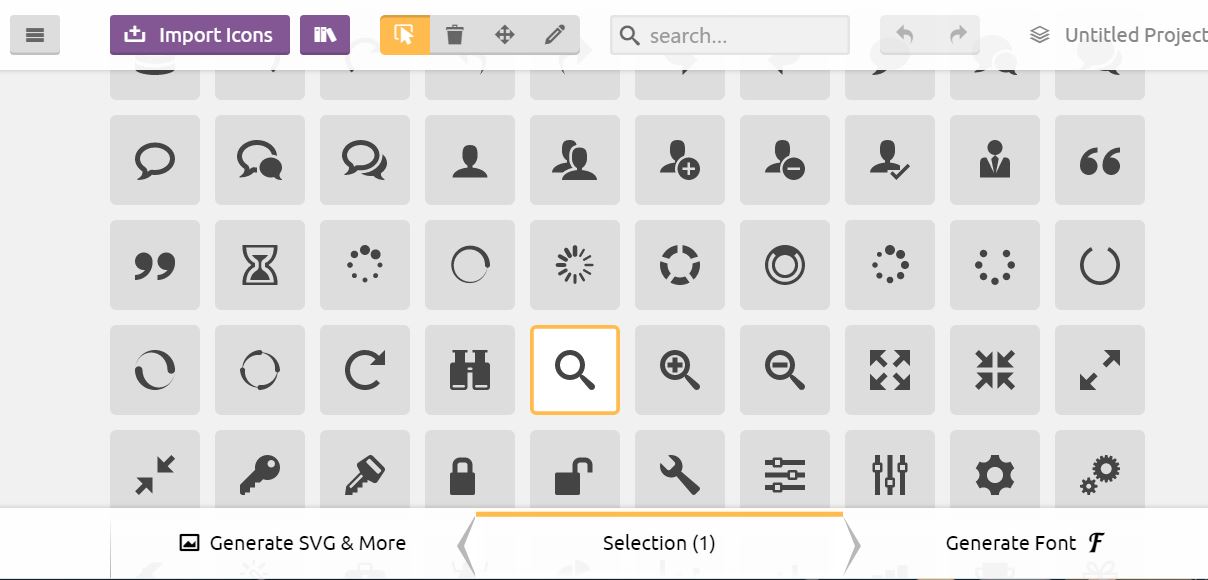
之后点击“generate font”进行生成(可以自由改名),下载即可。
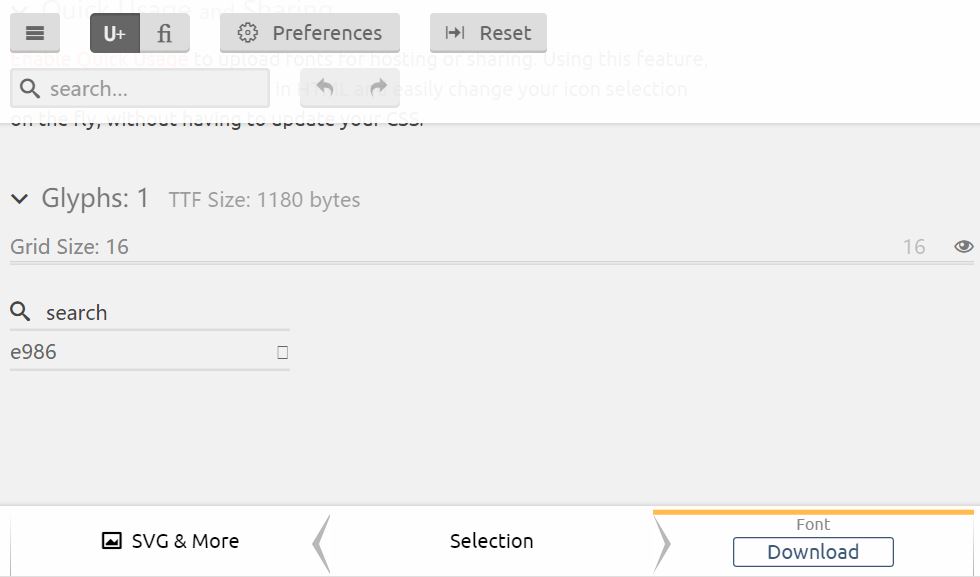 下载下来的fonts文件夹放入项目中,再将style.css中的样式放入css中即可:
我这里的搜索小图标在样式里添加:
下载下来的fonts文件夹放入项目中,再将style.css中的样式放入css中即可:
我这里的搜索小图标在样式里添加:
@font-face {
  font-family: 'icomoon';
  src:  url('../fonts/icomoon.eot?jbld9x');
  src:  url('../fonts/icomoon.eot?jbld9x#iefix') format('embedded-opentype'),
    url('../fonts/icomoon.ttf?jbld9x') format('truetype'),
    url('../fonts/icomoon.woff?jbld9x') format('woff'),
    url('../fonts/icomoon.svg?jbld9x#icomoon') format('svg');
  font-weight: normal;
  font-style: normal;
}
[class^="icon-"], [class*=" icon-"] {
  /* use !important to prevent issues with browser extensions that change fonts */
  font-family: 'icomoon' !important;
  speak: none;
  font-style: normal;
  font-weight: normal;
  font-variant: normal;
  text-transform: none;
  line-height: 1;

  /* Better Font Rendering =========== */
  -webkit-font-smoothing: antialiased;
  -moz-osx-font-smoothing: grayscale;
}

.icon-search:before {
  content: "\e986";
}
html中调用就好: 当然我们可以自由的设置它的字体大小颜色。是不是比图片好太多了。
通过以上步骤,图标得以显示